Pomodoro Stretch
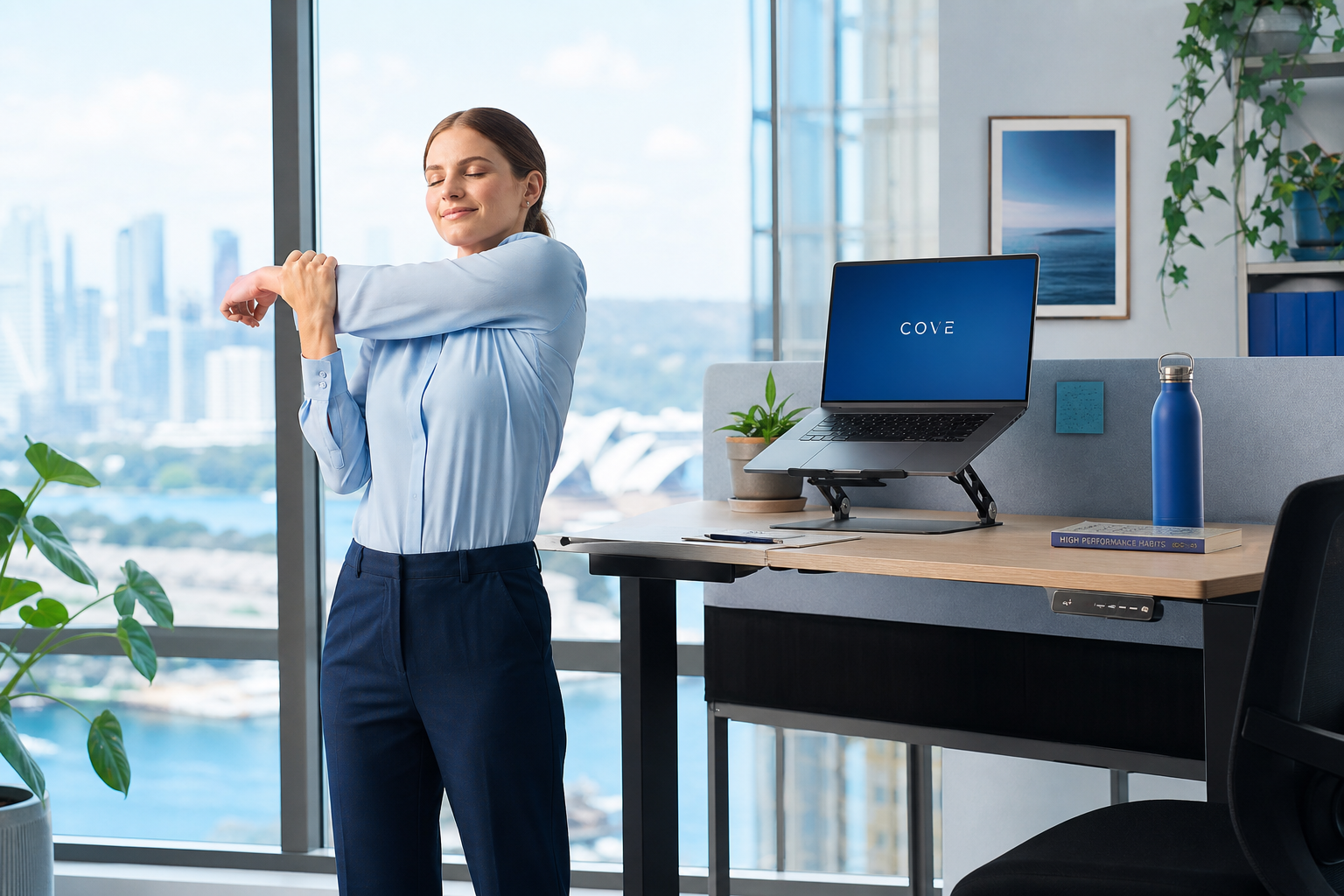
Stand and stretch for two minutes at the end of each focused work interval to reset muscle tension.
Knowledge Base
Master the essential ergonomic habits that Flexiblepurifyox recommends for every Australian workspace, from corporate offices to remote home setups.
Foundation
Neutral posture means your spine maintains its natural curves while seated or standing. At flexiblepurifyox.world, we teach clients to recognise when their body drifts from this baseline and how to correct it without rigid, uncomfortable positioning.
Seated Work
When seated, aim for approximately ninety-degree angles at your ankles, knees, and hips. Your thighs should be parallel to the floor, and your back should rest against lumbar support. Flexiblepurifyox uses this simple framework during every workspace assessment.
Movement
Static posture is the enemy of comfort. Flexiblepurifyox advocates brief, regular movement throughout your workday.
Stand and stretch for two minutes at the end of each focused work interval to reset muscle tension.
Every twenty minutes, look at something twenty feet away for twenty seconds to reduce eye fatigue.
Replace seated calls with walking discussions when possible to introduce natural movement into your schedule.
Standing Desks
Standing desks offer variety but require their own ergonomic habits. Flexiblepurifyox recommends alternating between sitting and standing every thirty to sixty minutes. When standing, keep your monitor at eye level and distribute weight evenly across both feet.
Assessment
Use this quick audit from Flexiblepurifyox to identify areas for improvement in your current setup.
Is your chin parallel to the floor? Forward head posture adds significant strain to cervical muscles over time.
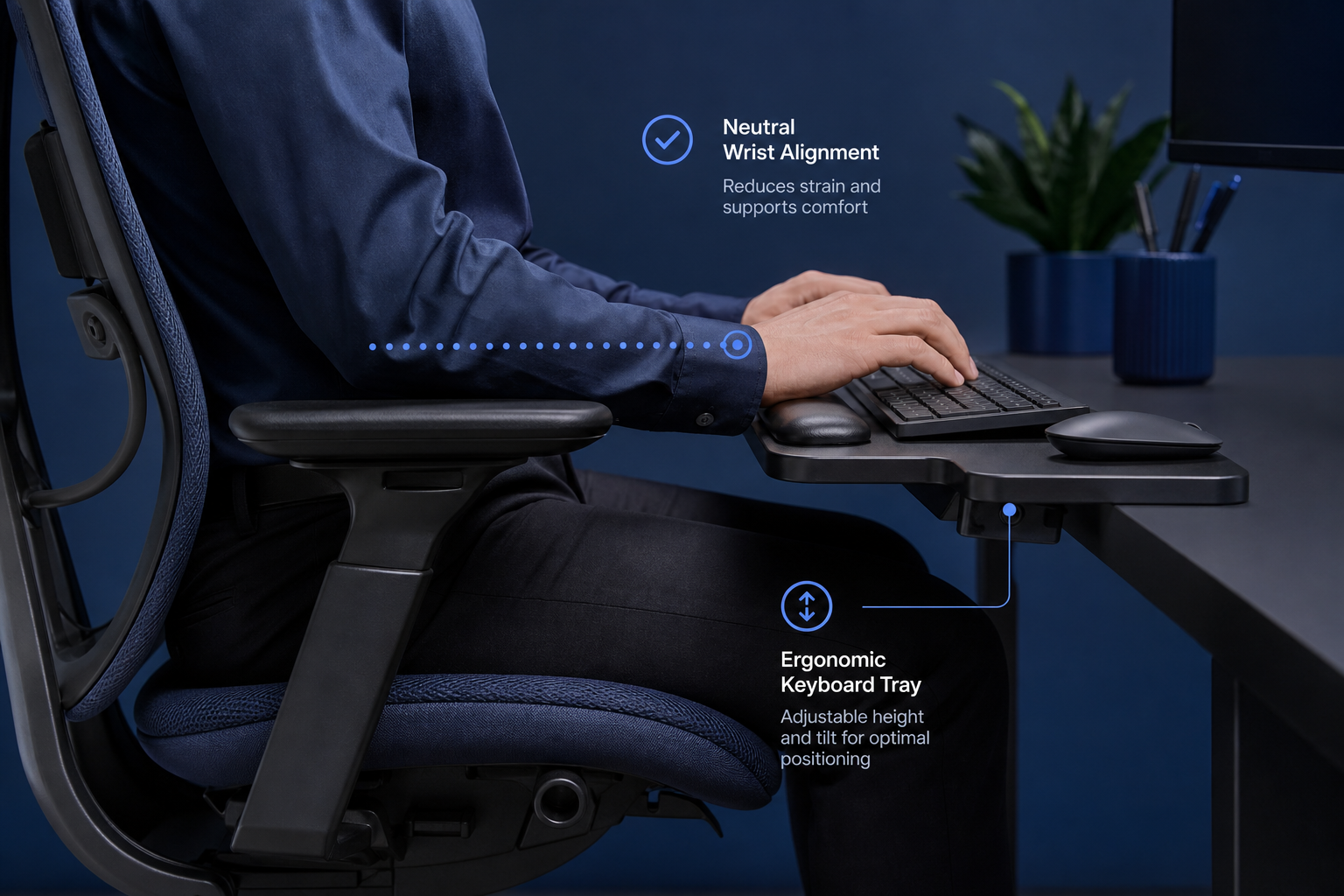
Are your wrists straight when typing? Bent wrists can increase strain on tendons and nerves in the wrist area during extended typing.
Do both feet rest flat on the floor or a footrest? Dangling feet reduce circulation and shift pelvic alignment.
Environment
Not everyone has a dedicated office. Flexiblepurifyox provides flexible strategies for dining tables, shared coworking spaces, and compact apartments common across Australian cities.
Our team at Flexiblepurifyox is ready to help you refine your ergonomic habits for lasting comfort.
Get in TouchThe content on this site is for general educational purposes about workspace ergonomics and is not medical advice. Individual results may vary. Consult a qualified health professional for personal health concerns.